

Géoclip
Solo is an interactive cartography application generator:
Autonomous: the produced géoclips contain everything they need to function properly: interface, base maps, data tables and parameters;
Easy to transfer: Once a géoclip has been published it will consist of a set of files in a single folder, which simply has to be copied onto the destination device;
Portable: a géoclip is requested by using a link on an html page, which means that a browser with a Flash reader is required to view it. The publication folder can be copied to another computer, USB memory key, CD-ROM or web server, etc.
Easy to build: the interface resembles the one of a published géoclip, with a few additional drop-down menus at the top of the left-hand side. The géoclip is built in “WYSIWYG” mode.
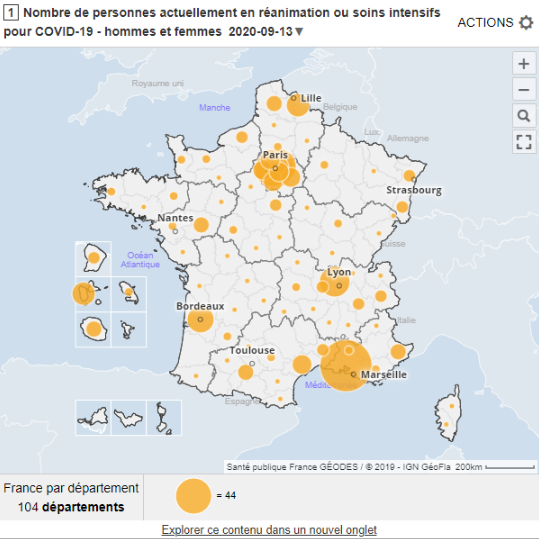
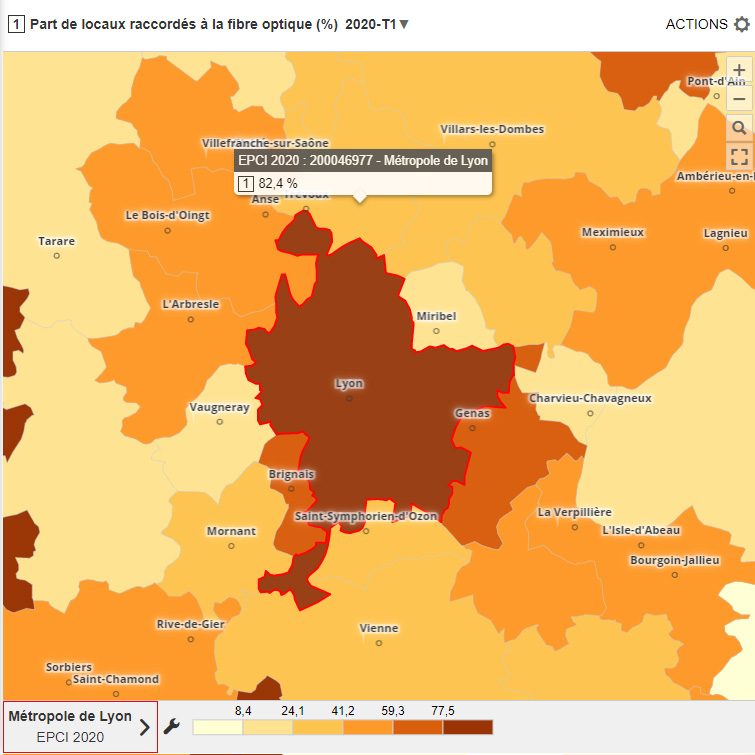
You can see an example which was produced using Géoclip Solo:
Belgium by municipality
Other examples are available in the Géoclips gallery.
You can try out an evaluation version valid for 30 days by downloading it:
Géoclip Solo: 30 day evaluation
A few Géoclip Solo screen grabs:
 |
Overview of the interface
The main stages involved in building a géoclip are as follows:
- defining geographic layers and their display parameters
- defining the indicators that are to be mapped and how they are displayed
- defining the peripheral elements (reference map, information table and global parameters).
The interface reflects all of the changes that are made as and when they occur. |
 |
Menu bar
All of the commands that are needed for building a géoclip are organised into three drop-down menus. The “Current View” and “Analyses” menus correspond to the first two stages:
- defining geographic layers and their display parameters
- defining the indicators that are to be mapped and how they are displayed. |
 |
Geographic layers management
dialogue box
(opposite)
The layers, which have been converted to the swf format in advance, are overlaid in the display order.
Display parameters are defined for each one: style, interactivity and visibility.
|
Indicators management
dialogue box
(below)
The indicators are sorted by theme.
For each one, the type, display parameters, name, source and definition, etc. are defined.
|

Géoclip Solo includes a building tool which is described above. It also includes a base map conversion tool (see picture opposite). The geographic layers which are assembled to build a géoclip are in the swf format. The conversion tool is used to convert MapInfo or Shape files into files that the Flash player can read. Each layer is converted depending on its type: polygons, lines, points and its destination. All of the layers are set in relation to a reference base map to ensure correct overlaying.
Géoclip Solo is available in several languages: French of course, English naturally, but also Spanish, Russian and soon Italian, Dutch, etc.
Géoclip Solo is the successor of Géoclip Builder, which was available for download from this website for some time but which has not been developed for a long time. Unlike its predecessor, Géoclip Solo does not require the use of GIS software. In addition and above all, it is more high–performance and has all the benefits of the latest improvements to the Géoclip model.
It is possible to make minor adaptations or customisations to Géoclip Solo. For example, we offer you the option to include your own logo at the bottom right-hand side of the interface (instead of the Géoclip logo). We can also include a “tailored” background image such as an orthophotograph or a raster plan.
Below is a price list for Géoclip Solo:
€2,800 €500 (excluding taxes) for conversion and building tools
€2,000 (excluding taxes) for the publishing licence for each web server or CD-ROM project.
The price of Géoclip Solo gets lower from March 2008. The tool has now been largely tested, enabling us to make it accessible to a larger number of users.
If you require further information please feel free to contact us.
We can also give you a custom presentation as a webinar.
Write to us! |