

Back to homepage    
    Intuitive and smart cartography

 Our offer
    Products
Gallery
Achievements
Typical project
Services

 Getting started
    France découverte
Paste your data
Save your project
Exchange: TJS/WMS
 
 Features
    What is Géoclip?
A smooth interface
A wealth of information
Multiple themes
 Technical
 information
    From GIS to the Web
Zooming, selecting...
Database access
Display modes
Flash, SVG and so on

 Resources
    Sites and forums
Referencing sites

 Who are we?
    Our team
Partners
Customers


Features > Multiple themes

To each data type its appropriate display mode
 

The various display modes offered by Géoclip are based on standard cartographic representation rules. Géoclip strives to create precise, clear, and attractive maps.

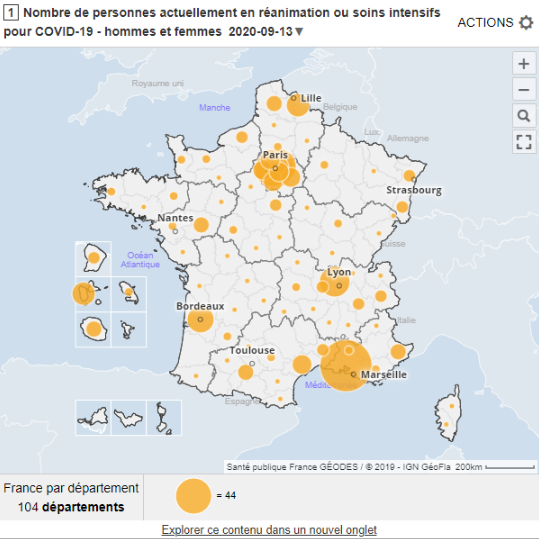
Géoclip creates thematic maps. To achieve this, it offers various display modes depending on which data are to be viewed. The three following “basic” modes are offered:
Proportional symbols Graduated color "Hedgehog" charts
displayed data type:
absolute values
e.g.: population, number of facilities, and so on.
the symbol used is a circle, the simplest and clearest geometric shape; the circle's area is proportional to the represented data.
displayed data type:
relative values
e.g.: population density,
evolution rate, and so on.

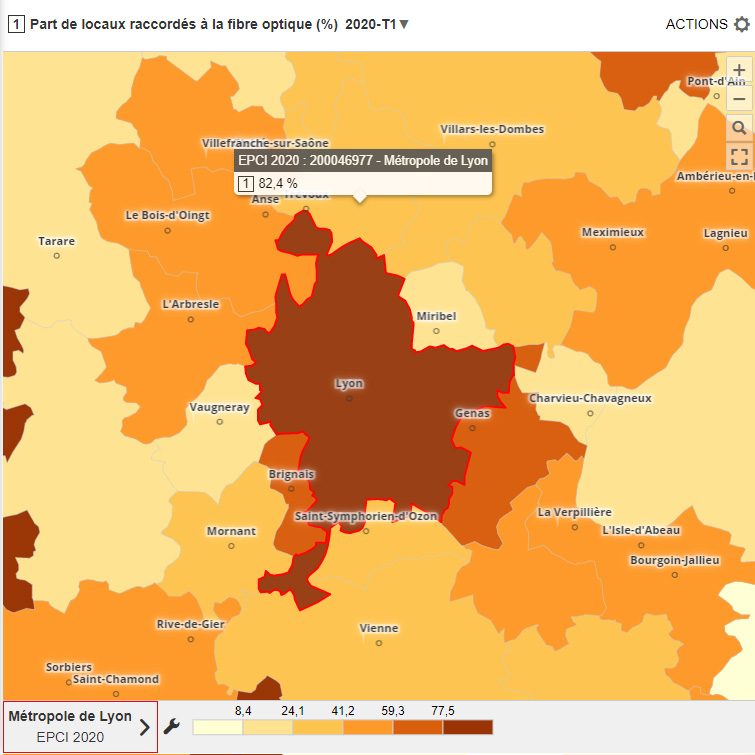
these maps are called "choropleth" maps; variables need to be made "discrete," i.e. thresholds have to be determined to separate each bracket.
displayed data type:
flow data
e.g.: major urban centres
each geographic unit is connected by a line to another geographic unit (pole); the stronger the flows, the clearer the map, because fewer lines will cross each other.

Combined representations
Some of these display modes can be combined for two-level viewing: foreground and background, the bracket view is always in the background. A special combination can be made using brackets and proportional circles: the circles can be filled with colours corresponding to the various brackets (see Display modes).

Clearer displays using smoothing

The clarity of some maps that use brackets can be improved by smoothing the values, which reduces the disparity between the values of nearby geographic units. This is done by replacing the value of each unit by the mean value between its own and that of other nearby geographic units.


Basic displays
The simplest display mode aims only at locating objects inside an area. This is successfully accomplished by most of the maps we use to travel. In thematic cartography, this display mode allows you to locate buildings and facilities using a fixed-size symbol. These symbols can use different colours and/or shapes to distinguish categories.
This example is taken from telemedicine maps (Cartographie de la Télémédecine, see Recent achievements). This interactive atlas enables users to locate operational telehealth networks in each French region.
contact version française english version russian intro